AI Photo to Sketch — Transform Photos
Turn photos into sketches instantly with AI Photo to Sketch. Fast, high-quality styles.
Feedback
AI Tools
Explore AI tools

Seedance2.0
The Future of AI Video Is Here.

Veo3
Create Stunning Videos with Veo3.1

Nano Banana2
Best Image Generator

Kling3.0
Next-Gen AI Video Generator
Sora2 AI
Advanced AI Video Generator for High-Quality Videos
Kling Motion Control
Turn reference images into amazing motion videos in minutes
Kling 2.6 Video Generator
See the Sound, Hear the Visual.
Grok Video Generator
Create Videos from Text or Images with AI
What is AI Photo to Sketch?
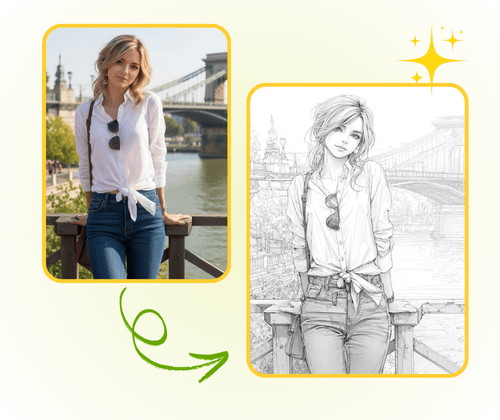
AI Photo to Sketch turns photos into artistic sketches. Choose pencil, charcoal, ink, or watercolor.
- Multiple StylesPencil, charcoal, ink, watercolor.
- InstantConvert in seconds.
- High ResolutionSharp, printable results.
How to Use AI Photo to Sketch
Make a sketch in three quick steps with AI Photo to Sketch.
AI Photo to Sketch Features
Fast, flexible sketch styles and high-resolution output.
Pencil
Classic pencil drawing.
Charcoal
Bold charcoal effects.
Ink
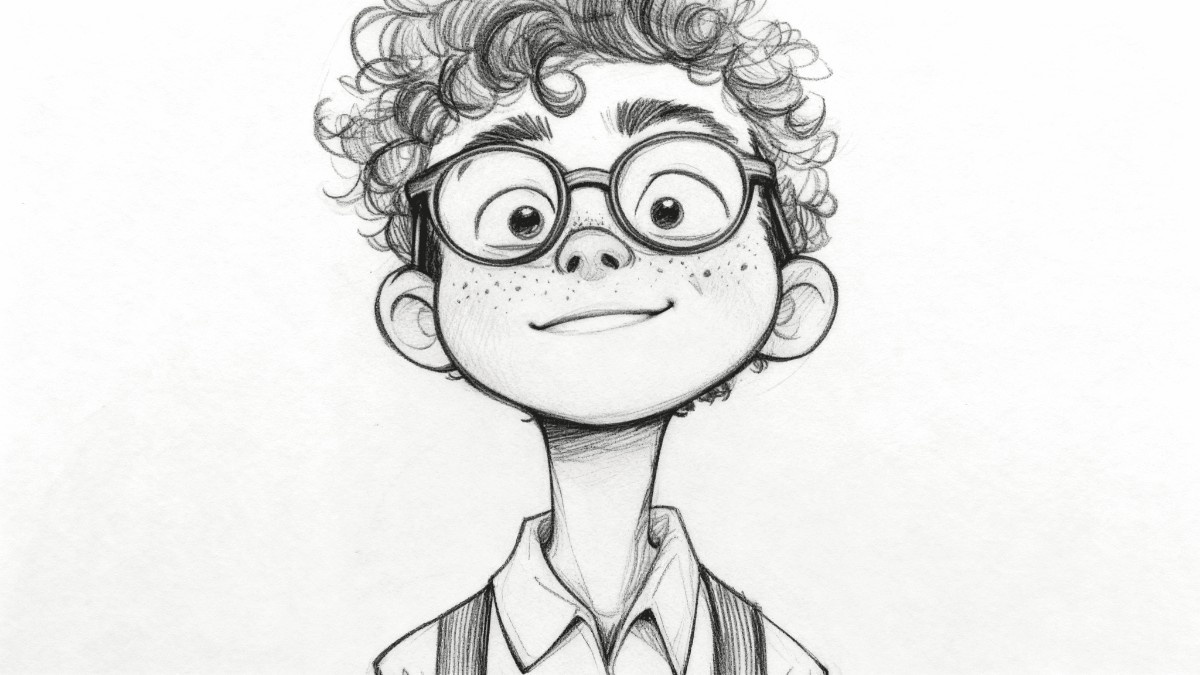
Clean ink line art.
Watercolor
Soft painterly style.
Batch
Convert many photos at once.
Detail
Preserve fine details.
AI Photo to Sketch FAQ
Quick answers about AI Photo to Sketch.
What is AI Photo to Sketch?
A fast online tool that turns photos into sketches using AI. Multiple styles available.
Which styles are available?
Pencil, charcoal, ink, watercolor, and more.
Can I process many photos?
Yes — batch processing is supported.
Are results high-res?
Yes — outputs preserve fine detail for print or web.
Is it free?
Basic conversions are free without sign-up.
How fast is it?
Most conversions finish in seconds.
Create Sketches with AI Image to Sketch Converter
Transform photos into artistic sketches instantly. Choose from multiple styles with AI Image to Sketch Converter. Free and fast.